By the end of this module
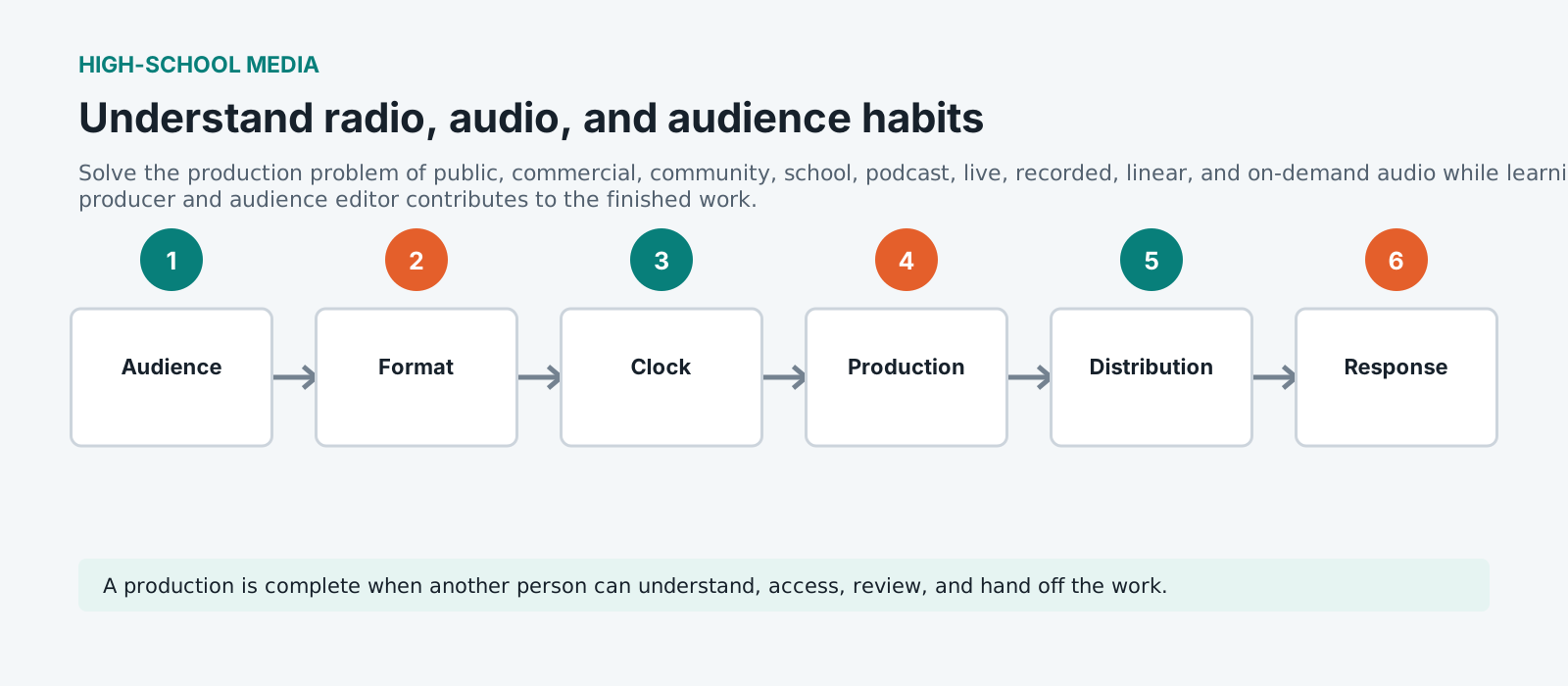
- Explain why public, commercial, community, school, podcast, live, recorded, linear, and on-demand audio matters to the audience and production team.
- Complete a guided format comparison using the course workflow.
- Package evidence that another person can review, revise, and hand off.
Core knowledge
Principles before controls
Purpose before equipment
Start with the audience promise and constraints. public, commercial, community, school, podcast, live, recorded, linear, and on-demand audio is a means to a communicable result, not a collection of buttons or settings.
Visible decisions
Record the choices that shaped the work: what was selected, what was rejected, and what evidence caused a revision.
Small tests reduce risk
Use a short rehearsal, sample, or dry run before committing the whole team, schedule, or file set.
Access and safety are production work
Plan inclusion, consent, privacy, rights, and safe participation before the audience encounters the work.
Guided build
Build and review the work
- 1
Read the brief and mark the audience, intended effect, constraints, and approval gate connected to public, commercial, community, school, podcast, live, recorded, linear, and on-demand audio.
- 2
Map the people, roles, source material, equipment, and permissions needed for the exercise.
- 3
Create a small test that isolates the most uncertain part of public, commercial, community, school, podcast, live, recorded, linear, and on-demand audio.
- 4
Run the guided build while naming the signal, story, or editorial decision being made at each stage.
- 5
Review the result on the intended playback or viewing path, including the available accessibility alternative.
- 6
Ask a partner to perform the handoff using only the written notes, filenames, and project structure.
- 7
Revise one meaningful decision and document what changed, why it changed, and what evidence supported it.
- 8
Package the checkpoint in the course folder with a clean filename, short explanation, and known limitation.
Independent challenge
Transfer the principle
Repeat the workflow with a new subject or constraint. Keep the production goal constant, change one variable, and explain how the result of public, commercial, community, school, podcast, live, recorded, linear, and on-demand audio changed.
Portfolio checkpoint
Evidence to retain
Retain a comparison of three audio formats and a selected audience need.
Store this evidence with the project brief, version, role, and known limitation. A checkpoint is useful only when another person can inspect it.
Teacher lens
Run this safely in class
Run the exercise with a low-risk fictional or rights-cleared scenario before students use their own stories or contributors.
Career lens: Connect this work to producer and audience editor and one adjacent role. Ask students what evidence would let a supervisor trust the work.
Failure modes
Diagnose before retrying
The team starts doing public, commercial, community, school, podcast, live, recorded, linear, and on-demand audio before agreeing on the audience or evidence.
Pause and rewrite the success criteria in one sentence. Ask each role to name the decision their next action is meant to support.
The first attempt looks or sounds polished but cannot be repeated or handed off.
Return to the project shell, naming, source log, and checkpoint. Rebuild the smallest test with visible settings and a second-person handoff.
A student is excluded by the timing, equipment, role, sensory demand, or publication assumption.
Offer an equivalent role or non-timed path, adjust the production condition, and keep the learning outcome unchanged.
Working vocabulary
Terms to explain
- Programme
- Define this term in the context of How Radio Works and show where it appears in the module workflow.
- Station
- Define this term in the context of How Radio Works and show where it appears in the module workflow.
- Podcast
- Define this term in the context of How Radio Works and show where it appears in the module workflow.
- Audience
- Define this term in the context of How Radio Works and show where it appears in the module workflow.
Next step
Connect the role to the industry
Visit the careers hub, find the role family closest to this module, and name one adjacent role that could receive the next handoff.
Open the careers hub