By the end of this module
- Configure exports from a written broadcast specification.
- Perform technical and content QC on delivered files.
- Consolidate a project with handles, documentation, and relink evidence.
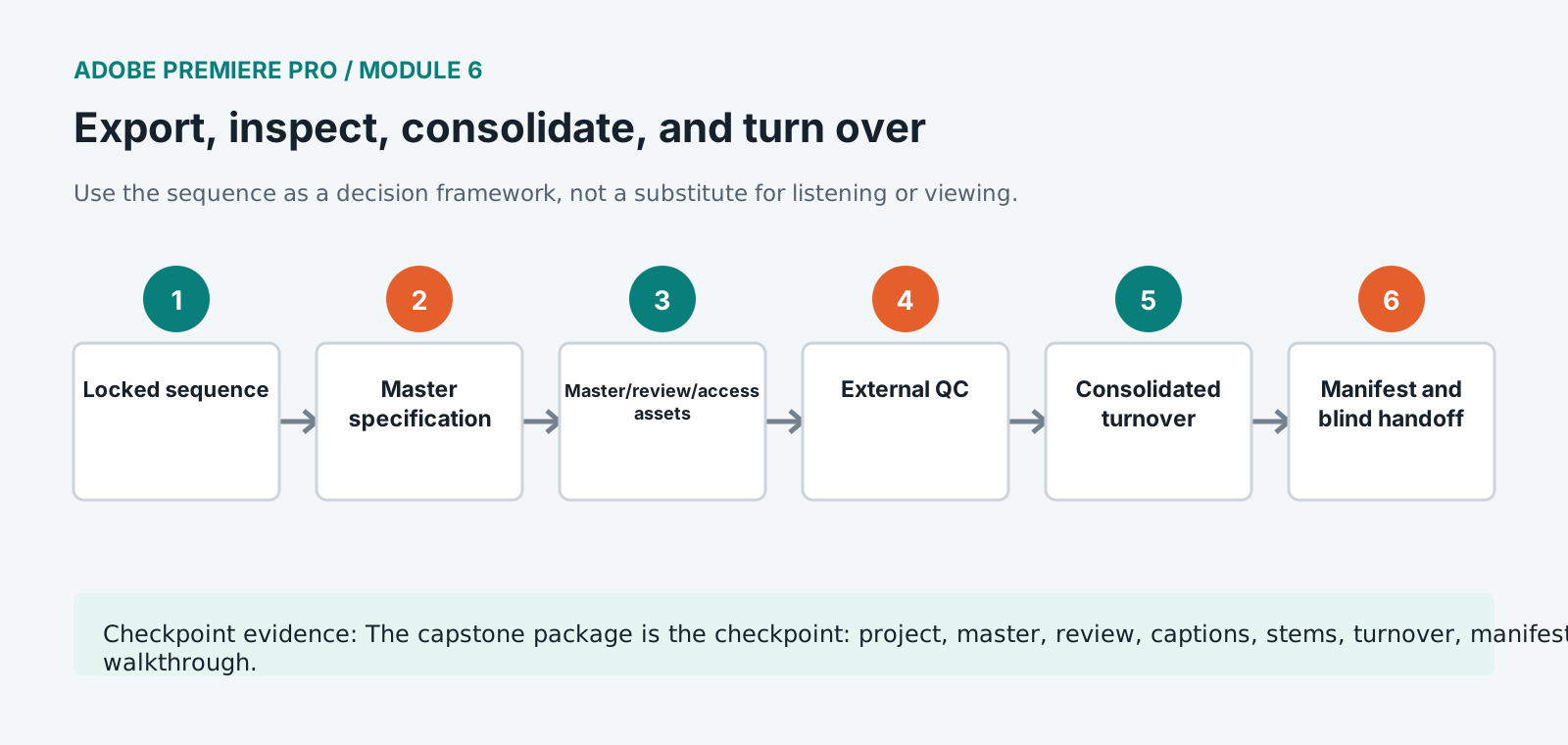
Core knowledge
Principles before controls
Presets require inspection
A named preset can change across versions or contain unsuitable defaults. Verify container, codec, raster, rate, field order, color, audio, captions, and metadata.
QC examines encoded deliverables
Watch and hear the exported master, probe its properties, and test captions and channels outside Premiere.
Turnover is not the same as archive
A turnover supplies the next stage with defined media and handles. An archive preserves approved source, project, documentation, and provenance.
Version names should prevent broadcast mistakes
Programme, episode, duration, aspect, language, caption state, audio layout, date, and version may all be operationally significant.
Guided build / approximately 90-120 minutes
Build it in the application
- 1
Duplicate the approved locked sequence to FINAL_MASTER and confirm no unresolved markers remain.
- 2
Configure the master export from the supplied specification, verifying format, codec, raster, frame rate, field order, color space, audio channels, captions, and file naming.
- 3
Create the review file, caption sidecar, transcript, textless or clean elements, and audio stems requested by the brief.
- 4
Open every exported file outside Premiere and inspect start, end, duration, image, sound, channel order, captions, graphics, and metadata.
- 5
Run a full beginning-to-end content watch and a technical spot check at every marker, act boundary, graphic, and audio transition.
- 6
Use Project Manager or the approved consolidation method with documented handles and test the result from a disconnected source path.
- 7
Export an XML/AAF/EDL or other requested turnover only after simplifying and documenting unsupported effects or media.
- 8
Complete the manifest, checksum list, media inventory, rights report, caption report, color record, QC report, and known-issues note.
- 9
Hand the package to a blind reviewer who must identify and play the approved master and relink the project.
Independent challenge / 45-60 minutes
Prove the principle
Audit a delivery containing the wrong field order, stale captions, stereo audio mapped as dual mono, one offline graphic, and a review export mislabeled as master.
Portfolio checkpoint
Evidence to retain
The capstone package is the checkpoint: project, master, review, captions, stems, turnover, manifests, QC, and walkthrough.
Store this evidence in 01_ADMIN/checkpoints/module-6 and include it in the final decision log.
Failure modes
Diagnose before retrying
Master has wrong channel order
Verify sequence track type, output mapping, export channel configuration, source stems, and playback interpretation.
Project Manager omits media
Check nested sequences, dynamically linked items, stills, graphics, offline clips, proxy/original state, and handles.
Caption sidecar is rejected
Confirm active caption track type, sidecar format, frame rate, encoding, timebase, programme start, and required naming.
Working vocabulary
Terms you must be able to explain
- container
- A file wrapper holding encoded video, audio, captions, and metadata streams.
- codec
- A method of encoding and decoding media essence.
- handle
- Extra source frames retained outside an edited clip.
- textless element
- A picture element supplied without titles or text for localization or reuse.
Primary sources
Verify current behavior
- Premiere Pro desktop help
- Create multi-camera source sequences
- Premiere export settings reference
Lesson reviewed 2026-07-13. Verify menus and shortcuts against the lab release.
Failure in practice
Where this goes wrong
Consolidating and exporting are separate jobs and both get forgotten. An export delivers the programme, and consolidating produces the trimmed project and media somebody could return to in a year. Skipping the second is invisible until an archive request arrives and the original drives have been reused.
Inspect the exported file rather than the timeline. The timeline is what you built and the file is what you deliver, and the two differ whenever a render, a codec setting or a scaling decision behaves unexpectedly. Watching the actual output end to end is the last check nobody regrets doing.
Watch the exported file rather than the timeline, on a machine that did not make it. A rendering fault is invisible where it was produced and obvious anywhere else.