By the end of this module
- Distinguish input, working, display, and output color decisions.
- Correct exposure and balance before applying a look.
- Run a picture-lock and compliance review against the brief.
Core knowledge
Principles before controls
Color management precedes correction
A source interpreted in the wrong color space cannot be reliably corrected by eye. Confirm transforms before adjusting clips.
Scopes provide repeatable evidence
Waveform, RGB parade, vectorscope, and histogram reveal exposure, channel balance, saturation, and clipping beyond room perception.
Shot matching is relational
Match subject, neutral balance, contrast, saturation, and scene continuity before creating a stylistic treatment.
Picture lock is a production state
It means editorial changes are controlled, documented, and communicated because captions, audio, graphics, color, and turnover depend on timing.
Guided build / approximately 90-120 minutes
Build it in the application
- 1
Duplicate the approved edit to PICTURE_LOCK_CANDIDATE and generate a duration and marker report.
- 2
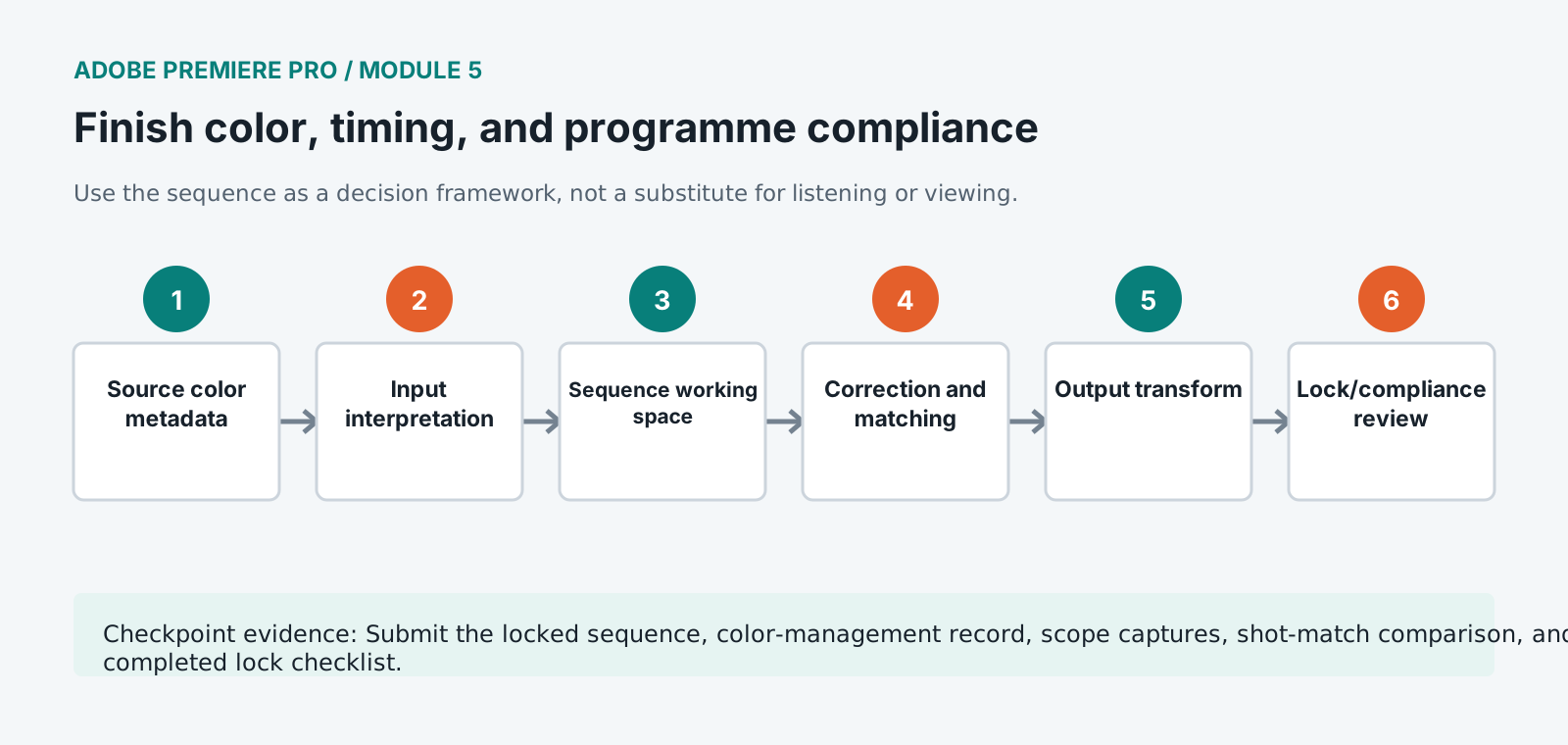
Audit every source clip's media color space, input interpretation, sequence working space, display management, and output space.
- 3
Use waveform and RGB parade to correct exposure and neutral balance on representative shots.
- 4
Match shots within each scene using scopes and side-by-side comparison before applying any shared creative adjustment.
- 5
Check skin, high-saturation graphics, superwhites, crushed detail, noise, mixed lighting, and output gamut behavior.
- 6
Review every cut, flash frame, black frame, freeze, speed effect, transition, graphic, caption, and audio boundary at full speed.
- 7
Compare exact programme duration, opening/closing requirements, act timing, bars/tone policy, and tail against the delivery brief.
- 8
Resolve legal, rights, release, fact-check, accessibility, and producer-note status in a lock checklist.
- 9
Approve a locked sequence, prohibit undocumented overwrites, and route later changes through versioned change notes.
Independent challenge / 45-60 minutes
Prove the principle
Match four deliberately inconsistent interview angles while preserving scene realism and avoiding a single corrective preset.
Portfolio checkpoint
Evidence to retain
Submit the locked sequence, color-management record, scope captures, shot-match comparison, and completed lock checklist.
Store this evidence in 01_ADMIN/checkpoints/module-5 and include it in the final decision log.
Failure modes
Diagnose before retrying
Image changes after export
Compare display management, sequence/output color space, export color settings, player behavior, and viewing environment.
Scopes look legal but the face is wrong
Scopes describe signals, not subject intent. Isolate the relevant region and use visual/contextual judgment with calibrated monitoring.
Late edit breaks captions and mix
Create a new version, document exact time change, update dependent departments/assets, and rerun downstream QC.
Working vocabulary
Terms you must be able to explain
- input transform
- A conversion or interpretation mapping source color into the working space.
- waveform monitor
- A scope displaying signal level across image position.
- picture lock
- An approved timing state after which editorial changes are controlled.
- gamut
- The range of colors represented by a color space or output.
Primary sources
Verify current behavior
- Premiere Pro desktop help
- Create multi-camera source sequences
- Premiere export settings reference
Lesson reviewed 2026-07-13. Verify menus and shortcuts against the lab release.
Failure in practice
Where this goes wrong
Programme duration is usually an exact requirement rather than an approximate one. A broadcast slot has a defined length, and finishing thirty seconds long means somebody cuts thirty seconds under time pressure. Tracking the running total from the first assembly onward makes the trims small and deliberate.
Flash and pattern compliance is a legal and safety requirement rather than a stylistic note. Rapid cutting, strobing effects and certain patterns can trigger seizures, and the check has to happen before delivery because a failure means a rejection rather than a comment. Run it on the finished programme, including titles.
Measure the running total against the slot before the final colour pass. Discovering a duration problem after grading means grading material that gets cut, which is time nobody gets back.