By the end of this module
- Run a cue-by-cue picture review.
- Deliver aligned clips and stems with stable identifiers.
- Package session, reports, media, and known issues for handoff.
Core knowledge
Principles before controls
Approval status must be explicit
Preferred, alternate, hold, pickup, omitted, and approved are operational states, not informal comments.
Turnovers preserve options
A mixer may need dry, processed, alternate, and room material. Deliver only what is requested, but do not destroy source options.
Picture version belongs in every report
Cue timing and status are meaningful only against a named picture version and frame rate.
Known issues are deliverables
Document unresolved noise, performance, sync, rights, or picture-change risks rather than hiding them.
Guided build / approximately 90-120 minutes
Build it in the application
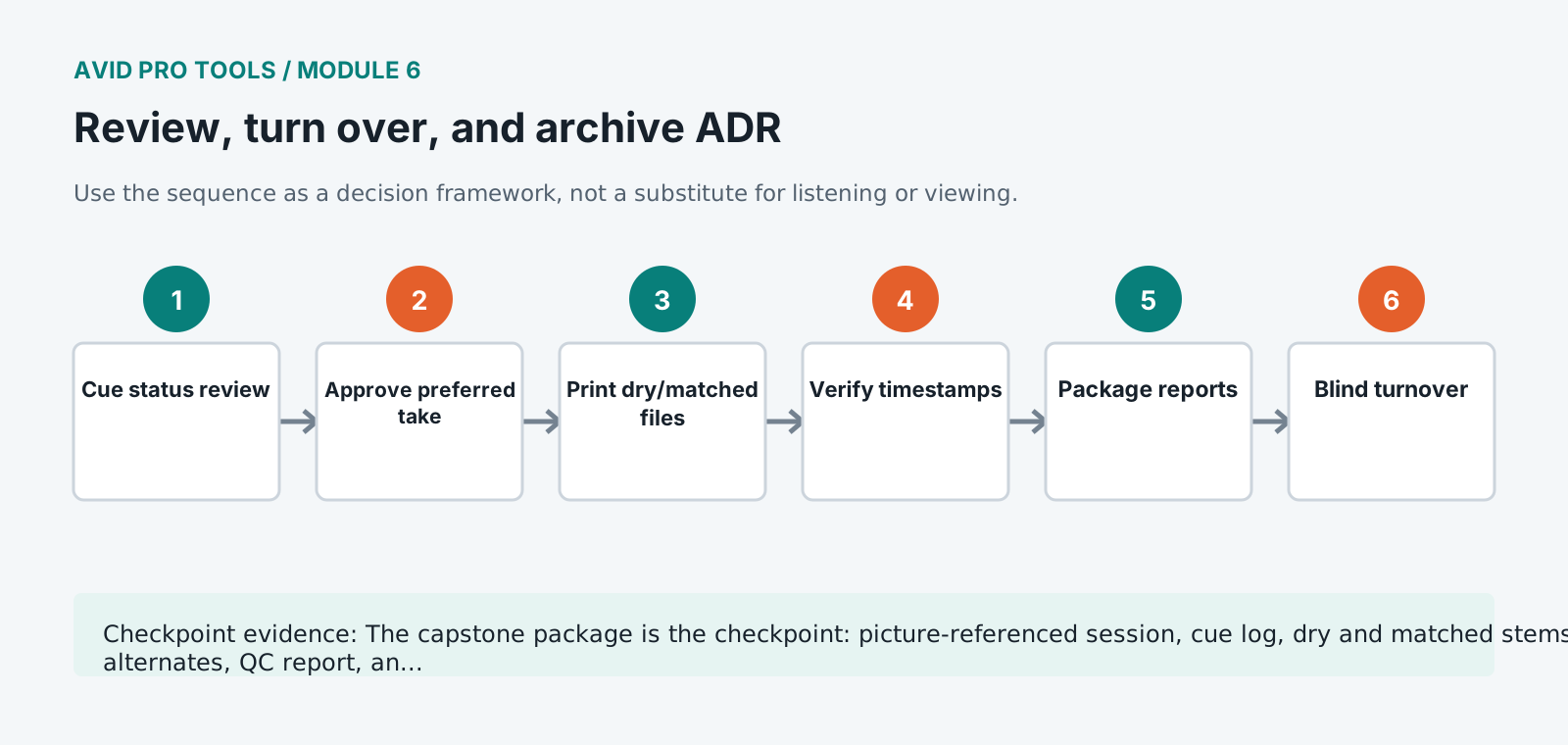
- 1
Lock the picture reference name and checksum in the cue report header.
- 2
Review every cue in scene context and record status, preferred take, alternate, remaining issue, and approval owner.
- 3
Consolidate approved dry ADR and any requested processed version from the exact turnover start time.
- 4
Print ADR, production-dialogue reference, and combined review stems with matching length and channel format.
- 5
Export clip and marker information and reconcile identifiers against the final cue spreadsheet.
- 6
Open turnover files in a clean verification session and confirm timestamp, duration, sync, naming, and channel count.
- 7
Create a session copy containing all recorded takes and required media, then test it after disconnecting the source path.
- 8
Complete the known-issues note and five-minute walkthrough showing cue navigation, alternates, routing, and final prints.
Independent challenge / 45-60 minutes
Prove the principle
Give the turnover to another student acting as dialogue editor. They must locate every approved cue and alternate, align the files, and identify unresolved work without asking questions.
Portfolio checkpoint
Evidence to retain
The capstone package is the checkpoint: picture-referenced session, cue log, dry and matched stems, alternates, QC report, and archive.
Store this evidence in 01_ADMIN/checkpoints/module-6 and include it in the final decision log.
Failure modes
Diagnose before retrying
Consolidated clips lose useful source handles
Follow the turnover specification for handle length and retain the full recorded session in the archive.
Cue sheet points to the wrong take
Reconcile by stable cue ID and audition; never infer from playlist order alone.
Recipient sees a picture offset
Compare picture checksum, frame rate, start timecode, first frame of action, and timestamp before moving audio.
Working vocabulary
Terms you must be able to explain
- turnover
- A controlled transfer of media, project data, and documentation to the next production stage.
- handle
- Additional source media retained before and after an edited region.
- timestamp
- Stored positional metadata used to place media on a timeline.
- known issue
- An unresolved limitation or risk documented for the recipient.
Primary sources
Verify current behavior
- Pro Tools Reference Guide
- Pro Tools video and post-production resources
Lesson reviewed 2026-07-13. Verify menus and shortcuts against the lab release.
Failure in practice
Where this goes wrong
Review against picture at full length rather than cue by cue. Individual lines that each sound correct can still form a track that draws attention, because the accumulation of replaced dialogue reads differently from any single instance. The pass that catches this is a continuous watch.
Archive the session with its media and its guide picture together. A session file alone is unopenable, and an archive missing the picture cannot be checked for sync. Packaging all three, with a note recording the frame rate and start timecode, is what makes a return visit possible.
Play the reel to somebody who does not know which lines were replaced. If they can identify them, the room match rather than the sync is usually what gave it away.
Deliver the ADR as its own set of tracks rather than mixed into the dialogue. A re-recording mixer needs to balance replaced and original lines against each other, and a pre-combined delivery removes exactly the control that job requires.