By the end of this module
- Create correctly named masters and reconstructable stems.
- Perform content and technical QC on exported files.
- Consolidate and archive a session without missing media.
Core knowledge
Principles before controls
The export is the product
A correct timeline can still produce a wrong file. Quality control must examine the actual deliverable outside the session.
Stems are a contract
Stem start times, lengths, processing, channel layout, and naming must allow a recipient to reconstruct the approved mix.
Archive only what can be understood
A compact session is useful only when media, versions, plugins, notes, and rights can be interpreted later.
Checks should be repeatable
Record application version, export settings, measurements, playback checks, and any accepted exception.
Guided build / approximately 90-120 minutes
Build it in the application
- 1
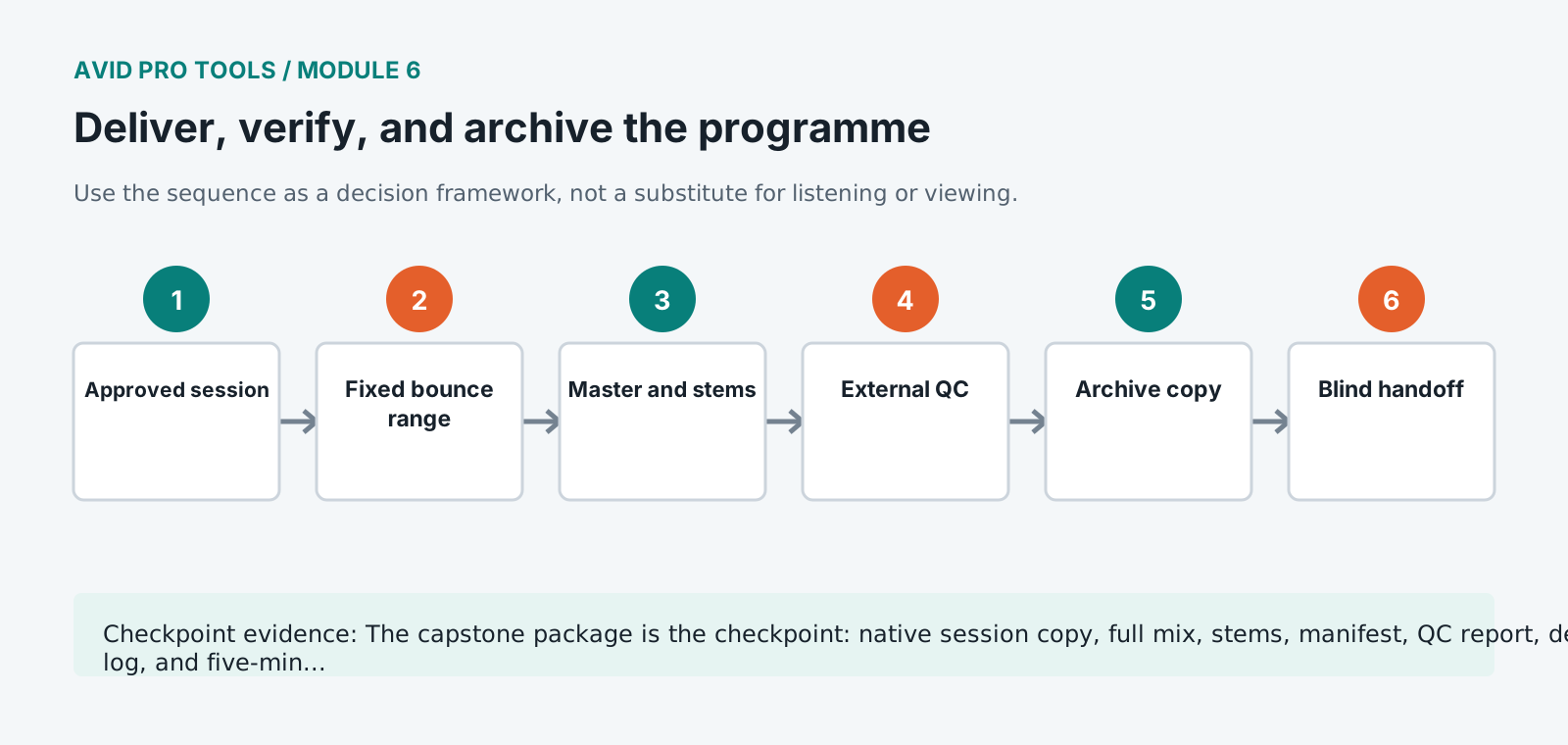
Duplicate the approved sequence and label it FINAL_QC without changing the preceding review version.
- 2
Define the exact bounce range with programme start, tail, and required alignment for every stem.
- 3
Bounce the full mix and dialogue, music, and effects stems using the delivery file type, sample rate, bit depth, and naming convention.
- 4
Open each exported file in a new verification session and confirm duration, channel count, start alignment, end tail, and absence of clipping or truncation.
- 5
Reconstruct the mix from stems, invert against the approved full mix where appropriate, and investigate any unexplained difference.
- 6
Watch the timeline or read the transcript while listening end to end, logging content faults separately from technical faults.
- 7
Use Save Copy In with required audio, remove unused media only from the copy, and test the copy from a different path.
- 8
Complete the manifest, plugin report, rights note, measurement report, known-issues note, and final decision log.
Independent challenge / 45-60 minutes
Prove the principle
Hand the archive to a classmate who has not seen the session. They must open, play, identify the approved master, and locate the QC evidence without verbal help.
Portfolio checkpoint
Evidence to retain
The capstone package is the checkpoint: native session copy, full mix, stems, manifest, QC report, decision log, and five-minute walkthrough.
Store this evidence in 01_ADMIN/checkpoints/module-6 and include it in the final decision log.
Failure modes
Diagnose before retrying
The archive opens with missing files
Use the relink window to identify original paths, then rebuild with Save Copy In and test from a renamed or disconnected source location.
Stems do not reconstruct the mix
Check shared bus processing, sidechains, effects returns, mute automation, and whether the full mix contains paths excluded from stems.
The exported file starts or ends incorrectly
Use an explicit timeline selection and verify tails, delay compensation, offline bounce behavior, and export duration.
Working vocabulary
Terms you must be able to explain
- master
- The approved primary deliverable from which distribution copies may be made.
- stem
- A synchronized submix containing a defined programme role.
- consolidate
- Create continuous media over a defined range to simplify transfer or archive.
- manifest
- A structured inventory of package contents, properties, and checks.
Primary sources
Verify current behavior
- Pro Tools Reference Guide
- Pro Tools documentation
Lesson reviewed 2026-07-13. Verify menus and shortcuts against the lab release.
Failure in practice
Where this goes wrong
Verify the delivered file rather than the session that produced it. Export settings misread, a muted track, a plugin that failed to load: all produce a file that differs from what you approved, and all are caught by listening to the actual deliverable from beginning to end.
Archive while the project is still in your head. A session packaged with its media, its plugin list and a note recording the delivery specification is recoverable in three years, and the same session archived hastily is a folder somebody else cannot open. The hour spent now is the cheapest it will ever be.
Open the archive after closing everything, as though a year had passed. Anything you have to remember rather than read is a note that belongs in the archive.