By the end of this module
- Perform efficient three-point and keyboard-led editing.
- Choose trims based on story and continuity.
- Synchronize and edit multicamera material without losing source options.
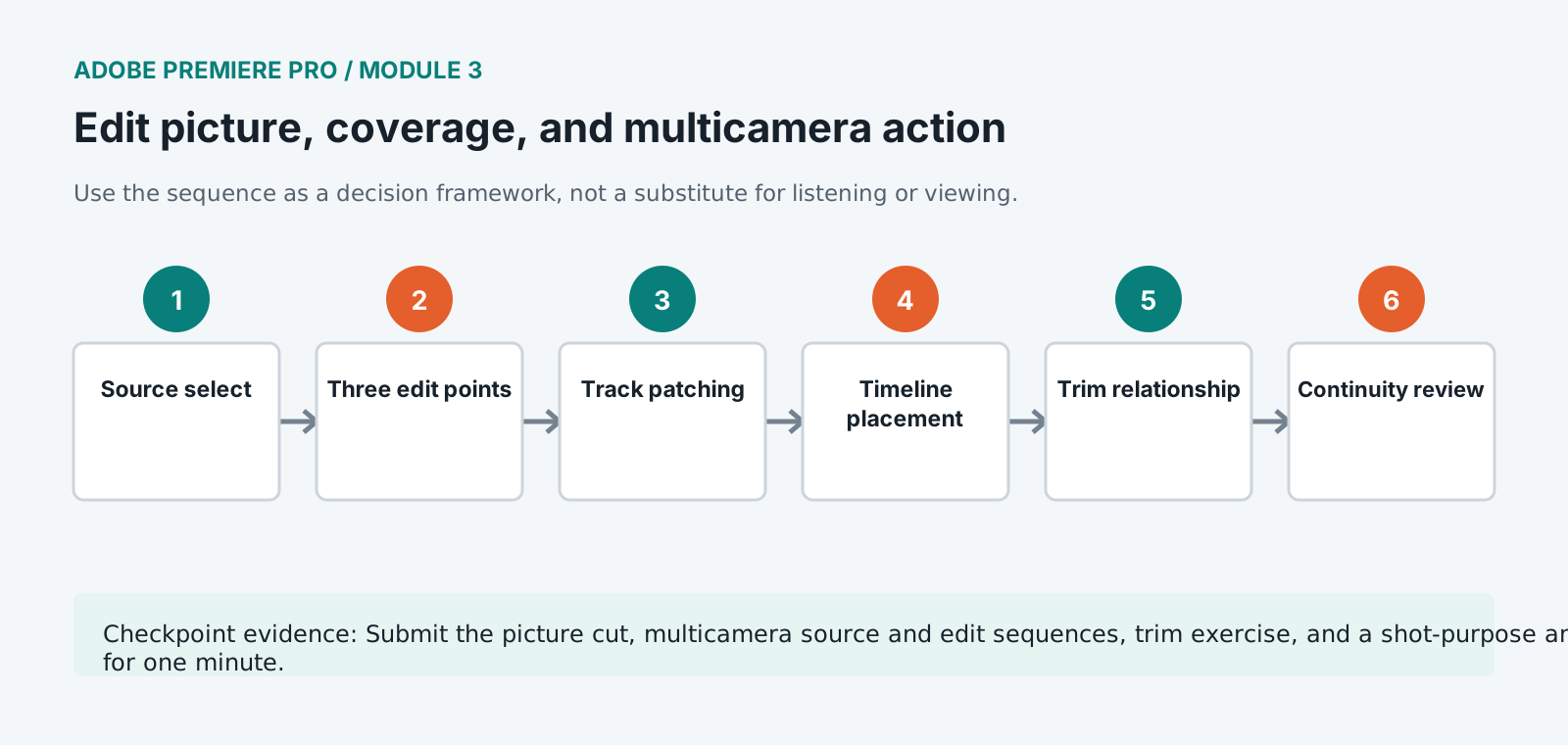
Core knowledge
Principles before controls
Three-point editing separates selection from placement
Define source content and sequence location explicitly so track patches and editorial intent remain visible.
Trim changes relationships
Ripple, roll, slip, and slide operations affect duration, neighboring clips, source content, or position in different ways.
Coverage controls information
Wide, medium, close, detail, reaction, and cutaway shots determine what the audience sees, when, and for how long.
Multicamera is synchronized source management
Sync method, audio choice, camera naming, source sequence preservation, and flattening policy affect revision and turnover.
Guided build / approximately 90-120 minutes
Build it in the application
- 1
Map keyboard controls for JKL, in/out, insert, overwrite, match frame, add edit, trim, play around edit, and timeline navigation.
- 2
Add B-roll to the radio cut using source in/out points and three-point inserts or overwrites rather than dragging approximate ranges.
- 3
Use track targeting and source patching deliberately, checking where video and each audio channel will land.
- 4
Create continuity across action using match-on-action, screen direction, eyeline, reaction, and sound bridges.
- 5
Open Trim Mode and compare ripple, roll, slip, and slide operations on duplicated sequence sections.
- 6
Synchronize the two-camera demonstration using approved timecode or waveform evidence and confirm sync at beginning and end.
- 7
Create and name the multicamera source sequence, choose the production audio strategy, and cut angles in a separate edit sequence.
- 8
Refine angle changes around performance, information, and action rather than switching merely because another camera exists.
- 9
Watch the entire picture cut with waveforms hidden and mark every shot that lacks story, evidence, or continuity purpose.
Independent challenge / 45-60 minutes
Prove the principle
Cut the same 60-second demonstration for clarity and for urgency, using identical source material and no speed changes.
Portfolio checkpoint
Evidence to retain
Submit the picture cut, multicamera source and edit sequences, trim exercise, and a shot-purpose annotation for one minute.
Store this evidence in 01_ADMIN/checkpoints/module-3 and include it in the final decision log.
Failure modes
Diagnose before retrying
Insert lands on the wrong track
Check source patching, track targeting, sync locks, and active in/out range before undoing and repeating.
Multicam drifts
Verify source frame rates, audio sample rate, sync method, variable-frame-rate media, and production recording continuity.
A trim breaks picture/audio sync
Use linked selection and sync locks intentionally. Inspect out-of-sync indicators before deciding whether the offset is creative.
Working vocabulary
Terms you must be able to explain
- three-point edit
- An edit defined by any three of source in/out and sequence in/out.
- ripple trim
- A trim that changes sequence duration and moves later material.
- roll trim
- A trim moving the shared boundary between adjacent clips without changing total duration.
- multicamera source sequence
- A synchronized container of camera angles and selected audio used as one editable source.
Primary sources
Verify current behavior
- Premiere Pro desktop help
- Create multi-camera source sequences
- Premiere export settings reference
Lesson reviewed 2026-07-13. Verify menus and shortcuts against the lab release.
Failure in practice
Where this goes wrong
Multicam sync is only as good as its reference. Syncing by audio waveform works well when every camera recorded usable sound and fails silently when one did not, producing an angle that drifts. Check each angle against a clap or a distinct action before trusting a batch sync across a long shoot.
Nesting solves a problem and creates another. It keeps a complex section manageable and hides its contents from later adjustment, so a nest built early becomes an obstacle when a note asks for a change inside it. Nest late, and only where the contents are genuinely settled.
Check every multicam angle at the last cut point in the sequence. Angles drift progressively, so the final minute is where a sync problem is visible if one exists at all.