By the end of this module
- Configure the internal renderer and monitor format safely.
- Route beds and objects with unambiguous names.
- Detect missing, duplicated, or incorrectly mapped paths.
Core knowledge
Principles before controls
Start from a known monitor state
Students may select approved formats and levels but must not alter speaker calibration, delay, bass management, or physical output mapping.
I/O names are documentation
A path should reveal source role, width, destination, and object or bed status without opening multiple windows.
Renderer state belongs to the session record
Monitor format, binaural settings, groups, trim/downmix state, and re-render configuration must be captured for repeatability.
Test signals expose structure
Short, labeled verification clips are faster and safer than diagnosing routing after a dense mix is underway.
Guided build / approximately 90-120 minutes
Build it in the application
- 1
Open the lab Atmos template and record application version, renderer mode, room layout, monitor level, and approved output path.
- 2
Create a new session with the pack specification and import consolidated stems from a common start.
- 3
Confirm every stem nulls or aligns against the provided reference timing before spatial routing.
- 4
Create named submix groups for drums, bass, lead vocal, backing vocals, harmonic instruments, effects, and ambience.
- 5
Assign stable bed paths and a limited initial object pool. Avoid converting every track into an object by default.
- 6
Place a labeled verification pulse on each bed channel and object path, auditioning one at a time through the room display.
- 7
Create approved binaural, stereo, 5.1, and 7.1.4 monitoring choices and verify level does not jump unexpectedly when switching.
- 8
Store screenshots or exports of I/O, Dolby Atmos settings, groups, re-renders, and monitor configuration in 01_ADMIN.
- 9
Save a clean routed milestone before any creative panning or processing.
Independent challenge / 45-60 minutes
Prove the principle
Find and repair a prepared session containing a duplicated object feed, an unmapped path, a mislabeled bed, and a monitor-only signal accidentally included in a re-render.
Portfolio checkpoint
Evidence to retain
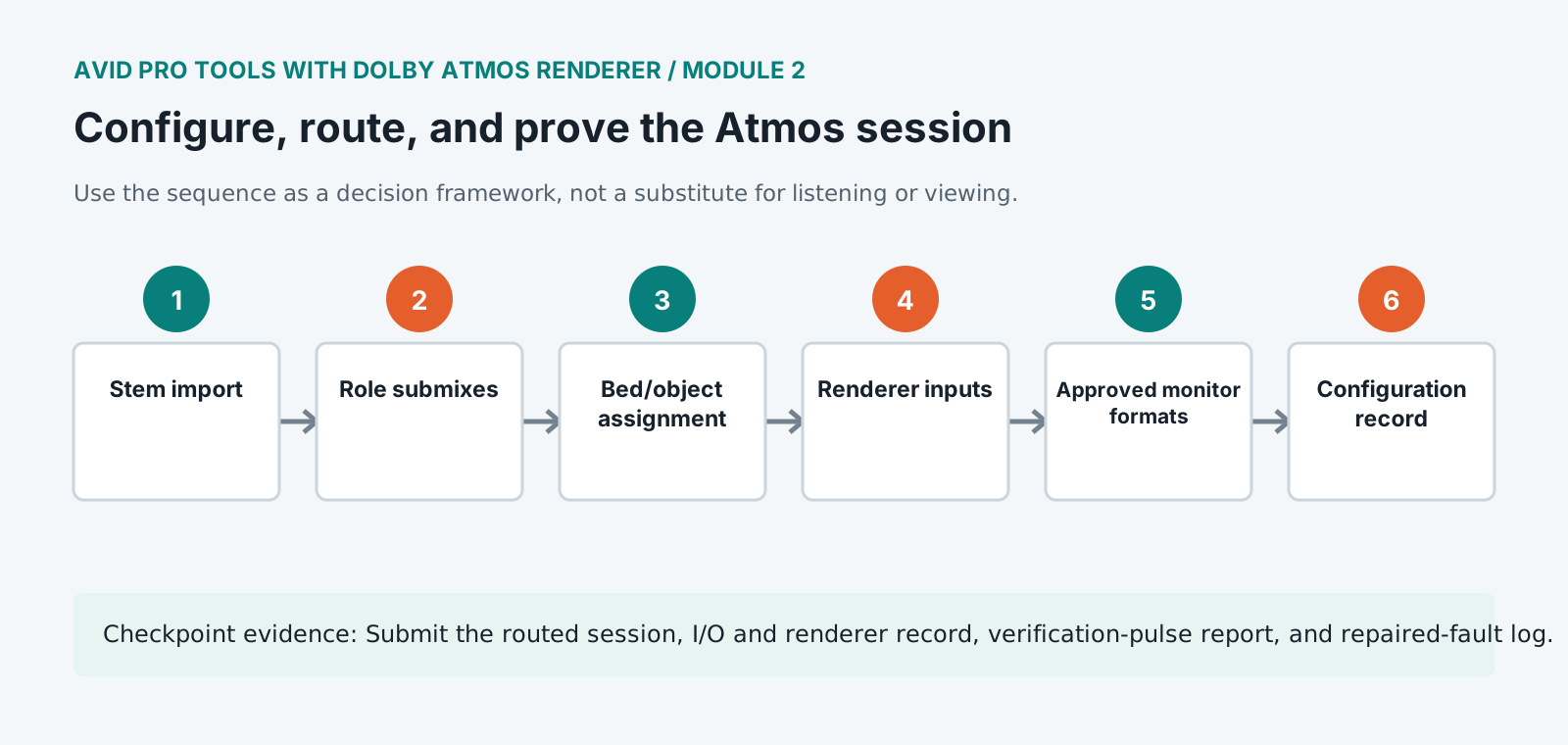
Submit the routed session, I/O and renderer record, verification-pulse report, and repaired-fault log.
Store this evidence in 01_ADMIN/checkpoints/module-2 and include it in the final decision log.
Failure modes
Diagnose before retrying
Object controls are unavailable
Verify the track output, object mapping, renderer mode, supported track width, and object assignment.
Signal sounds twice
Check simultaneous bed and object feeds, sends, live and printed paths, and monitor returns.
A monitor format is silent
Trace renderer output selection, monitor path, hardware output, and lab controller state without changing calibration.
Working vocabulary
Terms you must be able to explain
- object mapping
- The association between a Pro Tools path and a renderer object input.
- monitor format
- The active speaker or headphone layout used to hear the renderer.
- trim and downmix
- Metadata and controls governing level relationships in reduced channel layouts.
- renderer mode
- The selected internal or external rendering configuration.
Primary sources
Verify current behavior
Lesson reviewed 2026-07-13. Verify menus and shortcuts against the lab release.
Failure in practice
Where this goes wrong
Prove the routing before mixing anything. Sending a test signal to each position and confirming it arrives where expected takes a few minutes and prevents a whole session built on a misrouted channel, which is a category of error nobody notices until the render sounds wrong.
Monitoring configuration is part of the mix rather than a preference. A room set up differently from the reference layout gives you a mix that translates unpredictably, and the checks that catch this are the downmix and binaural renders rather than the main monitoring path.
Repeat the routing proof after any change to the monitoring setup. Configurations drift as sessions are opened and closed, and a check that passed last week says nothing about today.